The Party Crafter
AI to SVG in Minutes – Workshop Replay for Cricut & Silhouette Crafters
Couldn't load pickup availability
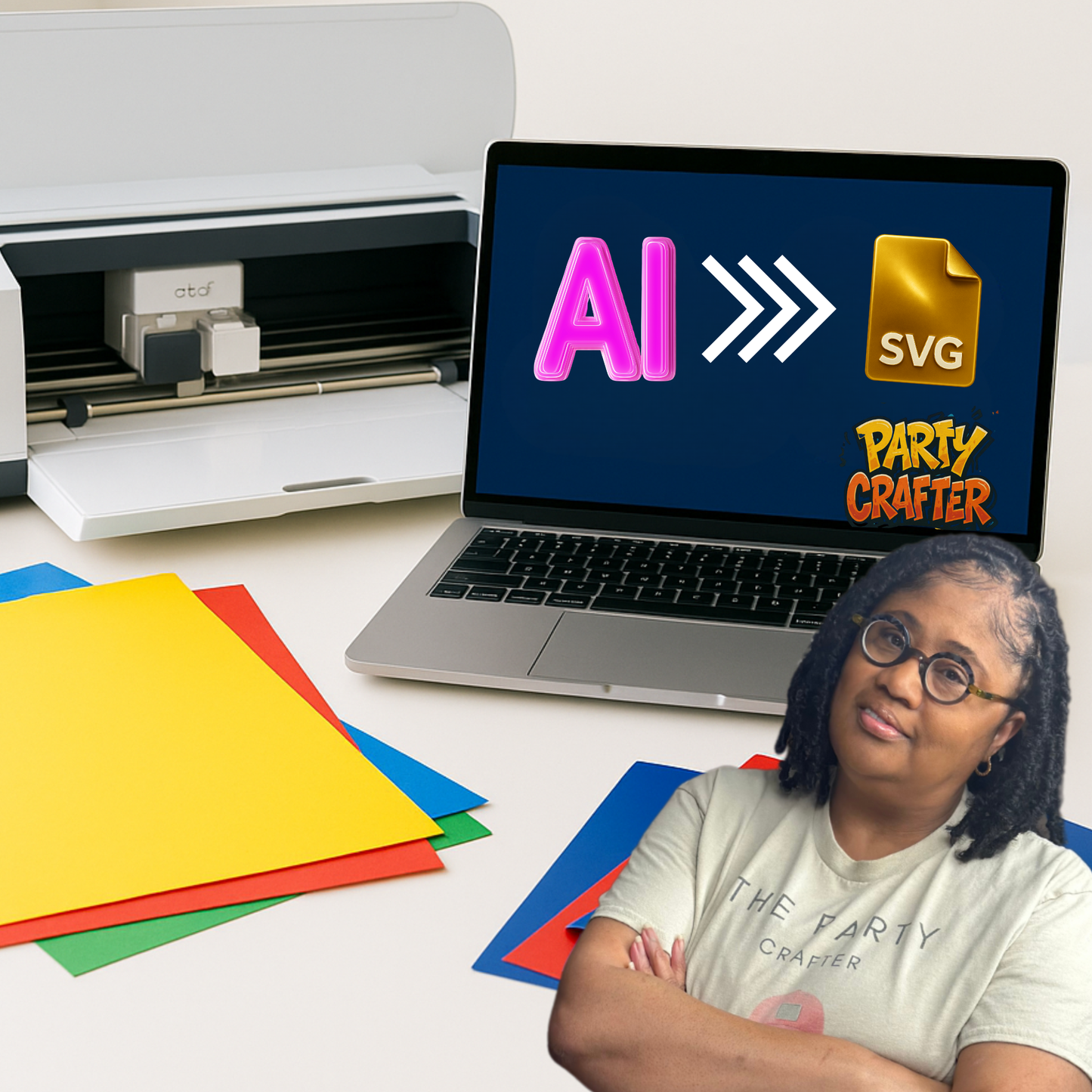
This is a replay of my full 2-hour training where I show you how to create SVG files with AI — and watch them come to life on your Cricut or Silhouette cutting machine.
For years, crafters have been buying pre-made SVG files or tracing designs by hand. Now it’s time to take control of the creative process and learn how to create your own SVGs from scratch.
In this workshop replay, I walk you through exactly how I use AI as an SVG generator to design, clean, and cut SVG files that work beautifully with Cricut and Silhouette. This is not an intro to AI and it’s not theory — it’s my real process, demonstrated step by step.
Whether you’ve tried AI before or you’re looking for a better way to create SVG files for Cricut, you’ll leave with the confidence to design files that are clean, usable, and uniquely yours.
What’s Included
✔ Full 2-Hour Workshop Replay
✔ Step-by-Step Demonstrations – Watch me generate, convert, and cut SVG files for Cricut and Silhouette
✔ Cricut & Silhouette Workflow – Learn exactly how to prep and cut your SVG designs on your machine
✔ Practice Files + Prompts – Access to the same AI prompts and SVG examples used in the training
✔ Replay Access – Watch anytime, pause, and rewind at your own pace
Why This Replay is Different
🔹 Learn My Exact Workflow – No fluff, no guessing. Just the real tools and steps I use to create SVG files with AI.
🔹 Cut-Ready Confidence – Stop wondering if AI-generated SVG files will work on your Cricut or Silhouette — see it done step by step.
🔹 Visual Learning – Follow the full process from idea to finished cut project.
🔹 Save Time & Money – Create your own cut files instead of buying SVGs or tracing designs manually.
Who This Workshop is For
✔ Cricut & Silhouette users who want to create their own SVG files
✔ DIY crafters looking for custom SVG designs that cut clean
✔ Creative entrepreneurs who want faster ways to design and sell digital products
What You’ll Learn
✅ How to generate SVG designs using AI tools
✅ The best way to clean and convert files into SVG format
✅ How to prep and cut SVG files on Cricut & Silhouette machines
✅ Tips for assembling and finishing your Cricut projects
Please Note
This is a replay of a previously held live workshop.
This replay does not include:
• Live Q&A
• Exclusive bonuses provided during the live session
(Virtual live attendees received additional templates, Q&A access, and extra resources that are not included with this replay.)
Bonus Pack Option (Sold Separately)
Want the bonuses from the live class? You may have the option to purchase the Bonus Pack Upgrade, which includes additional SVG templates, design files, and resources shared during the live event.
Usage Disclaimer
This replay is for personal educational use only.
By purchasing, you agree not to download, resell, reproduce, or use any part of this content in your own courses or digital products.
Share